
If the password is rejected, the reset link on the login form sends recovery instructions to the registered email; if access is still blocked, live chat or [email protected] can unlock the account.
The account behind the login holds a GBP balance, bonus progress and the VIP tier, so its security deserves attention. Hadesbet protects connections with SSL encryption and offers two-factor authentication, which stops a stolen password from being enough to reach the cashier.
| Login essentials | Details |
|---|---|
| Where to log in | Login button in the header of hadesbetcas.co.uk or in the app |
| Login details | Registered email address and password |
| Two-factor authentication | Available, switched on in account settings |
| Password reset | Through the "forgot password" link, by email |
| Devices | Desktop browser, mobile browser, PWA for Android and iOS |
| Connection security | SSL encryption |
| Verification | Required before the first withdrawal |
| Currency | GBP |
| Support | Live chat and [email protected] |
Signing in to Hadesbet
The sign-in form is the same on every device. A saved password in the browser or the app speeds things up, but only on a personal device.
Login steps
From a closed browser to the lobby takes six steps:
- Open hadesbetcas.co.uk in the browser, or tap the Hadesbet icon if the app is installed.
- Select the login button at the top of the page.
- Enter the email address used at registration.
- Type the password; it is case-sensitive.
- Enter the two-factor code from the authenticator app if 2FA is active.
- Confirm and wait for the lobby to load with the GBP balance shown.
Fixing common Hadesbet Casino Login errors
Most failed logins come from four causes. Working through them in this order solves the majority without contacting support.
Wrong email or password
Check that the email is the exact one used at sign-up, without a typo or an extra space, and that Caps Lock is off. After several failed attempts, use the password reset instead of guessing again, since repeated failures may trigger a temporary security lock.
Browser and cache problems
When the form does not react or the page reloads to a logged-out state, stored browser data is the usual cause.
- Clear cookies and cache for the site and reload.
- Disable ad or script blockers for hadesbetcas.co.uk.
- Try another up-to-date browser such as Chrome, Safari, Firefox or Edge.
- On the app, close it fully and open it again.
Two-factor code not accepted
Authenticator codes depend on the phone's clock. If codes keep failing, set the time on the phone to update automatically and use the newest code rather than one about to expire. If the phone with the authenticator app is lost, support has to reset 2FA after confirming the account holder's identity.
Account blocked or restricted
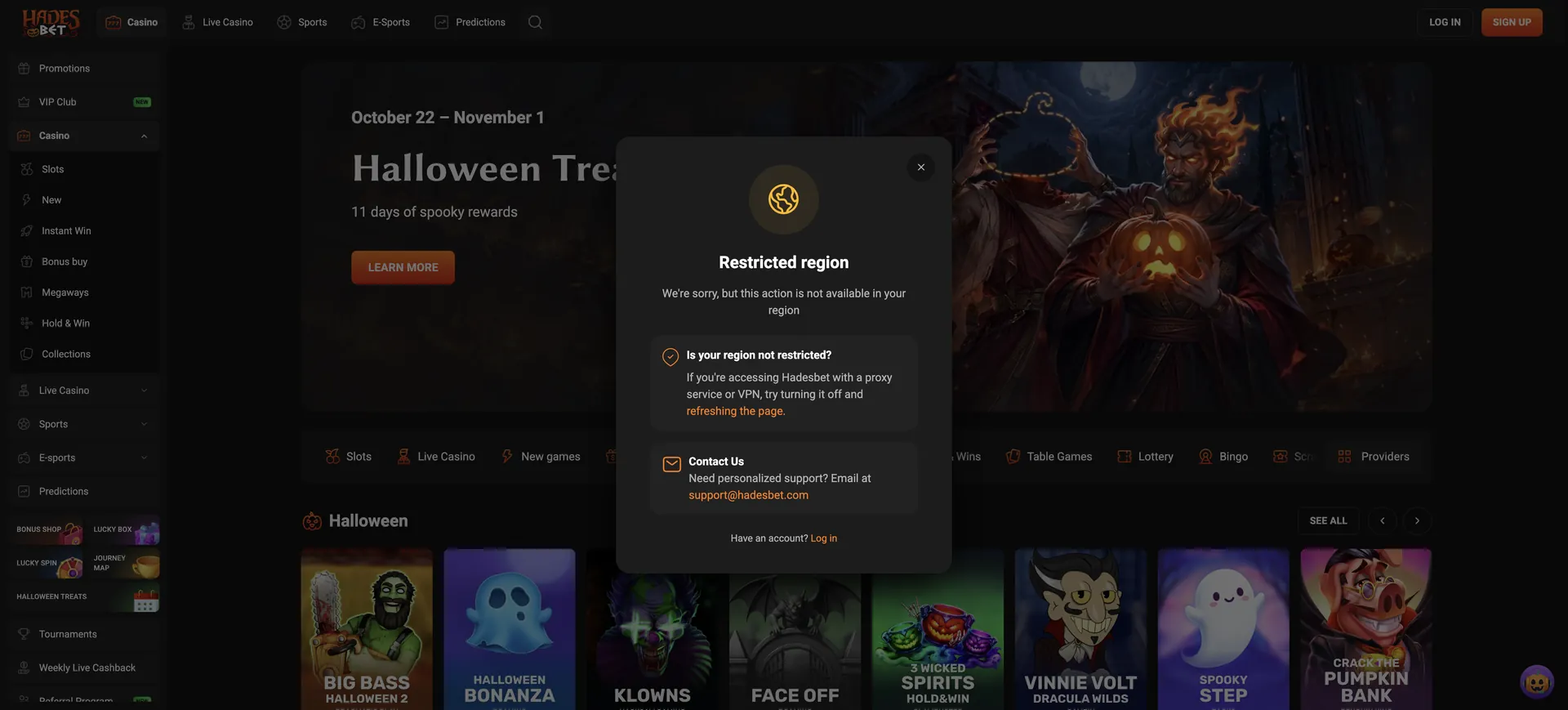
Access can be restricted after self-exclusion, after a duplicate account is detected (one account per person is allowed) or from a country on the restricted list. In these cases a new registration does not help; contacting support at [email protected] is the only route.
Resetting a forgotten password
Password recovery runs through the registered email address, which is why that address should be one that is still checked.
Reset steps
The reset takes a few minutes:
- Select "forgot password" on the login form.
- Enter the registered email address.
- Open the message from Hadesbet; check the spam folder if it does not arrive.
- Follow the link and set a new password that has not been used on another site.
- Log in with the new password and confirm 2FA if it is active.
New to Hadesbet: creating an account first
Without an account, the login form has nothing to check against. Registration asks for four details, and the account is for players aged 18 or older.
Registration in brief
The sign-up form collects:
- Email address, which becomes the login name.
- Password.
- Country, set to the United Kingdom for a GBP account.
- Phone number; verifying it unlocks 20 free spins without a deposit.
Each person may hold one account. A second account, even with a different email, risks both being closed.
Keeping the account secure
A few habits keep the balance and personal data safe:
- Turn on two-factor authentication right after the first login.
- Use a long, unique password that appears nowhere else.
- Log out on shared or public devices.
- Ignore emails or messages asking for the password; support does not need it.
- Keep the email account that receives reset links protected as well.
Logging in on mobile and in the app
Hadesbet does not have an app in Google Play or the App Store. Instead, it offers a PWA that is added to the home screen from the website, and installing it gives 30 free spins. Login details are the same as on desktop.
Tips for mobile sign-in
Small screens bring their own issues:
- Let the phone's password manager fill in the details to avoid typing errors.
- Keep the authenticator app on a different device if possible, or back up its codes.
- If the PWA shows an old page, close and reopen it; updates load from the site automatically.
What opens after login
Once signed in, the account gives access to every part of the site:
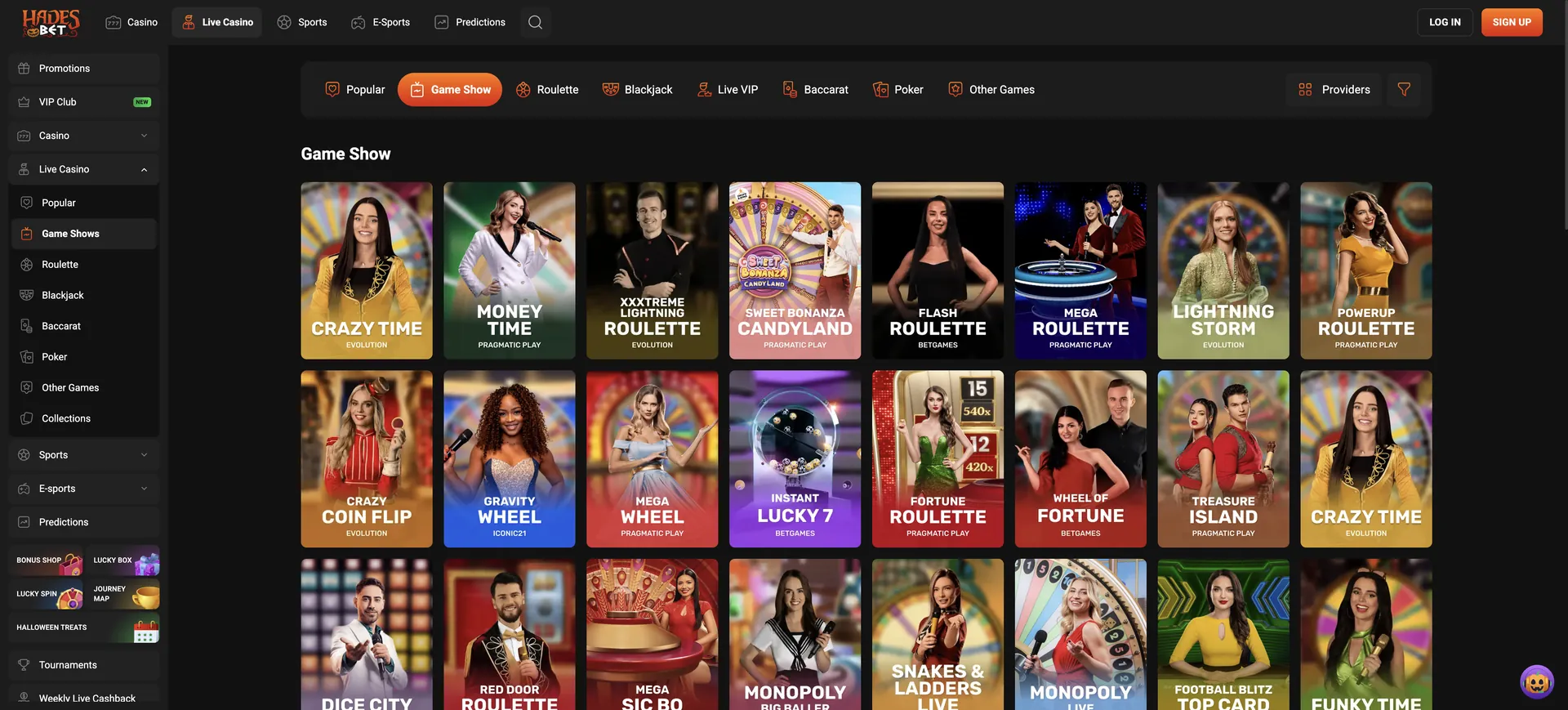
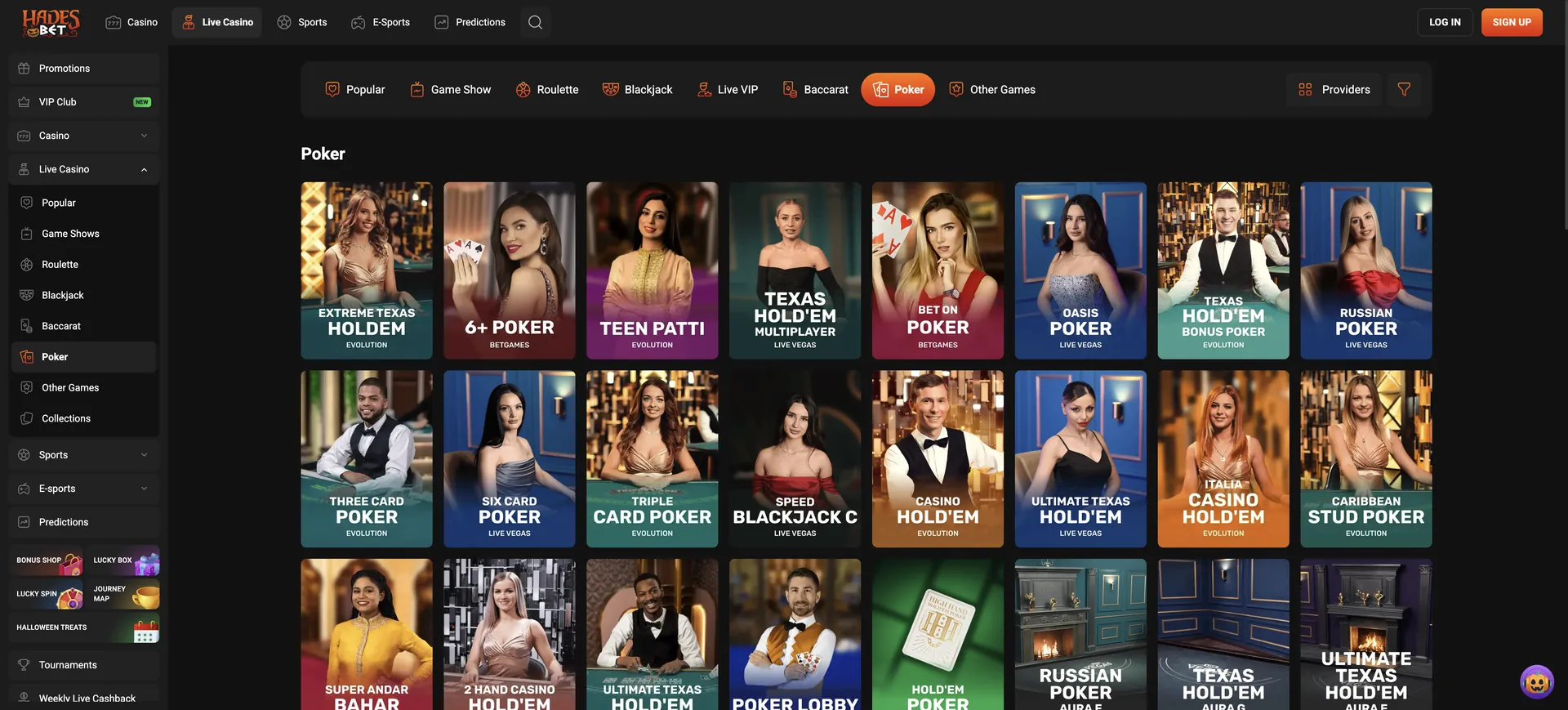
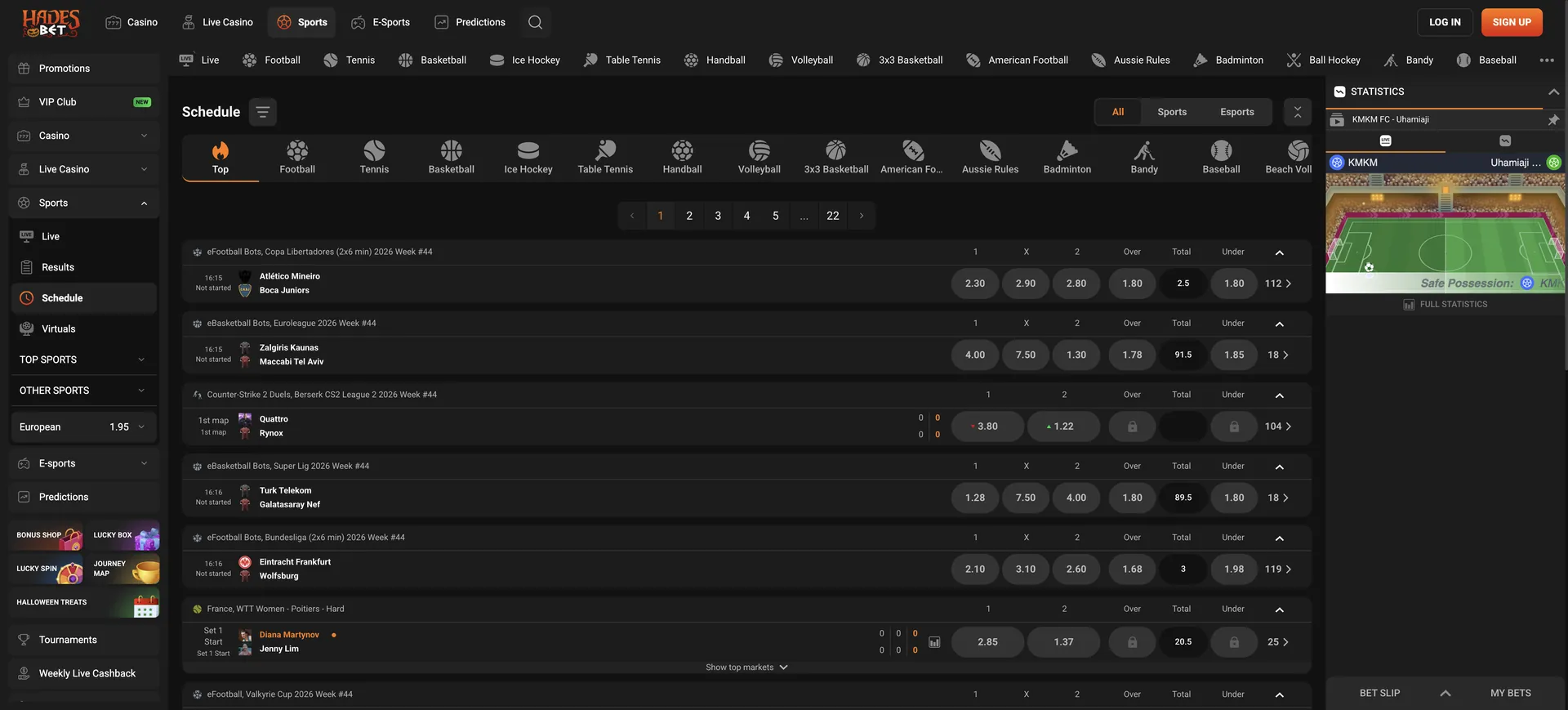
- Lobby: slots, live casino, table games, jackpots and the sportsbook with live betting.
- Cashier: deposits from £20 by card or bank and crypto in BTC, ETH, LTC, DOGE and USDT.
- Promotions: the welcome package and codes such as HB25, TUESDAY and WILD.
- VIP status: current tier from Bronze to Supreme and its monthly withdrawal limit.
- Responsible gambling: deposit limits, loss limits and self-exclusion.
- Account settings: password, 2FA and contact details.
Verification after logging in
Identity verification (KYC) is required before the first withdrawal, not at login. The casino does not publish a document list, so it is worth asking support what to upload as soon as the account is open. Verifying the phone number from the registration form is a separate, quicker step that also unlocks the 20 free spins. Completing both early means a withdrawal request is not held up later. Monthly withdrawal limits start at £20,000 for the first three VIP tiers.
Hadesbet Casino Login FAQ
Quick answers to common sign-in questions.
What is needed for the Hadesbet Casino Login?
The registered email address and password, plus a 2FA code if two-factor authentication is on.
Does one account work on phone and computer?
Yes. One account works in any browser and in the PWA app for Android and iOS.
How is a Hadesbet password reset?
Use "forgot password" on the login form; a reset link goes to the registered email address.
Does Hadesbet support two-factor authentication?
Yes. It can be turned on in the account settings and adds a one-time code to each login.
Why can an account be blocked?
Common reasons are too many wrong passwords, a duplicate account, self-exclusion or access from a restricted country. Support can explain the specific case.
Is there a bonus for logging in through the app?
Installing the Hadesbet app gives 30 free spins once. Login details are the same as on the website.
Updated on 29 October 2026.